Everything you need to know before getting started.
What platforms does CuePilot support?
CuePilot runs natively on macOS (Intel and Apple Silicon), Windows 10+, and Linux (AppImage). The same features are available on all platforms, including multi-window output and remote control.
How does the free trial work?
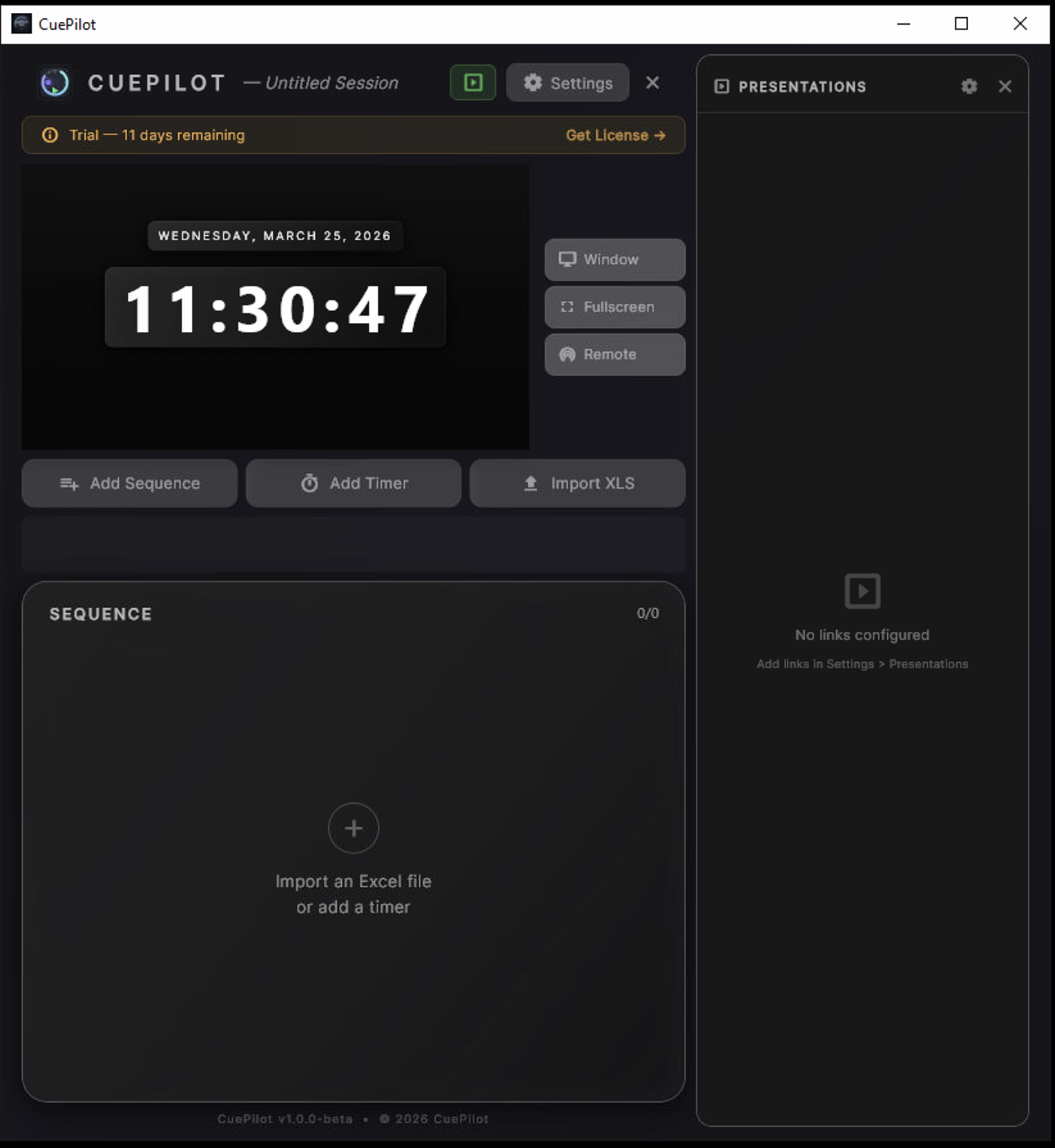
The free trial gives you full access to every feature for 14 days on one machine. No credit card required. When the trial ends, you can choose a Monthly, Annual, or Perpetual plan to continue.
What is multi-window output?
CuePilot uses native OS windows to drive multiple screens from a single machine. You get a Dashboard for control, a floating Window for a secondary monitor, and a dedicated Fullscreen output for broadcast or stage displays. Each window renders the same 16:9 output with your design presets.
How does Remote Control work?
CuePilot runs a built-in web server on your local network. Any device (phone, tablet, laptop) can connect by scanning a QR code or entering the URL. You approve or deny each connection and choose between full control or read-only access.
Which presentation software is supported?
CuePilot integrates with 10 applications:
Apple Keynote,
Microsoft PowerPoint,
Canva,
LibreOffice Impress,
QLab (native OSC),
Resolume Arena (REST + OSC),
VLC (HTTP API),
vMix (HTTP API),
OBS Studio (WebSocket), and any LAN device via the OSC bridge. Slide tracking, media elapsed/remaining, transport controls, and notes overlay directly in the dashboard.
Can I import my event rundown from Excel?
Yes. Import .xlsx or .csv files with columns for Sequence (grouping), Text 1 (timer name), Text 2 (speaker/notes), Duration, Mode, Auto_Start, and Trigger_15. Timers sharing the same Sequence value auto-chain as a group. CuePilot parses the file locally (no server upload) and generates your full playlist instantly.
What is a machine activation?
Each license key can be activated on a limited number of machines. Monthly and Annual plans include 2 activations (your main machine and a backup). Perpetual includes 4. You can manage and deactivate machines yourself from the Manage License page at any time.
Does CuePilot support chromakey output?
Yes. CuePilot offers 5 background keying modes: animated (default), transparent (alpha channel), chromakey (solid green/blue/magenta or custom color), luma black, and luma white. This allows clean integration into broadcast and live production workflows.